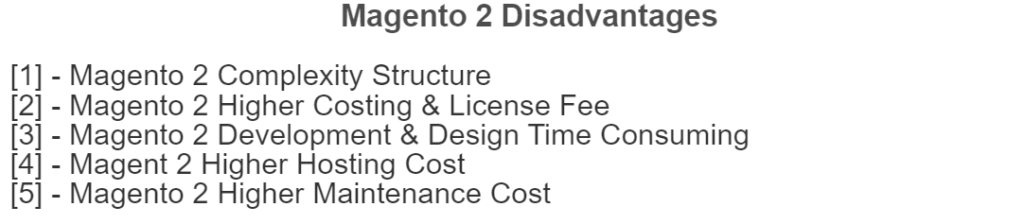
There are following below disadvantages of Magento 2
Magento 2 Complexity Structure
Magento 2 Higher Costing & License Fee
Magento 2 Development & Design Time Consuming
Magent 2 Higher Hosting Cost
Magento 2 Higher Maintenance Cost
[1] –Magento 2 Complexity Structure::
Magento 2 Directories / Files structure is too complicated, It is extensions [Modules, Plugins, Dependency Injection, Events & Observers] are very sophisticated and difficult to understand.
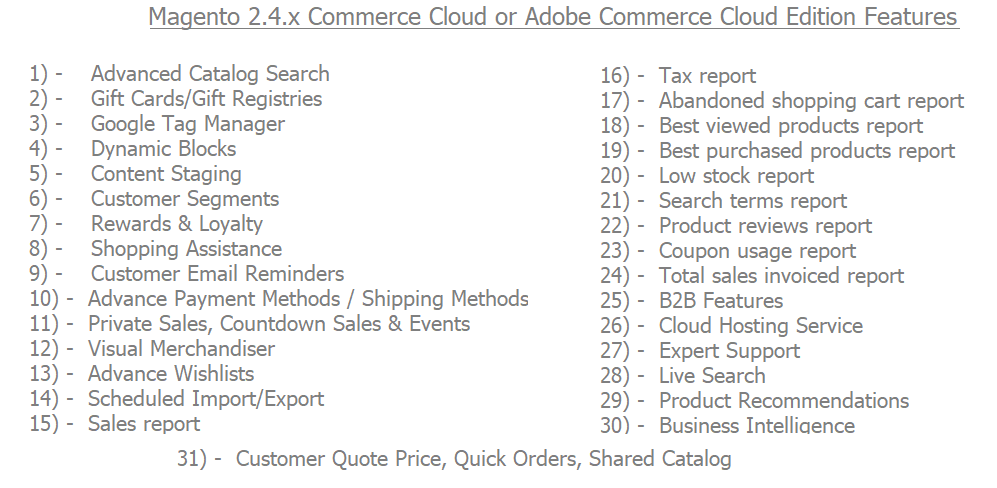
[2] – Magento 2 Higher Costing & License Fee :: Magento 2 availability as three format
Magento 2 Community Edition :: completely free eCommerce open source.
Magento 2 Enterprise Edition :: highly customizable, scalable, and considerably simplifies integration with third-party systems.
It is costing [between $22000 To $75000.00 ] + additional annual License Cost
Magento 2 Enterprise Solutions Cloud Edition :: Cloud hosting & more highly customizable, scalable, and considerably simplifies integration with third-party systems.
It is costing [between $40000 To $120000.00 ] + additional annual License Cost
[3] – Magento 2 Development & Design Time Consuming ::
Magento 2 development / design is highly complex and can be time consuming. It can do things like no other CMS can, but simple things can be much harder to accomplish, It is always require expert & dedicated team.
[4] –Magent 2 Higher Hosting Cost ::
Magento 2 require high configuration dedicated & cloud hosting server as AWS, Google Cloud hosting server etc.
[5] –Magento 2 Higher Maintenance Cost ::
Magento 2 maintenance cost very high & maintenance experts keep track your Magento 2 store running and up to date, they provide support for development, site speed, security, version upgrade, integration, extension customization, patch installations and much more
composer. json file to manage Magento 2 / Extensions installations and upgrades while The composer.lock file stores a set of exact version dependencies that satisfy all of the version constraints of every requirement for every package in the dependency tree of the project.
The composer.lock file is generated after your first composer install. It saves a copy of your dependencies/version that you can commit to your source control
composer.json is the list of required set of libraries and versions for your project.
It contains information such as the name of the project, version constraints for Magento and its dependencies, autoload configurations, scripts to execute during installation and updates, and other project-specific settings.
composer.lock is what set of extensions/modules/components are currently installed for your project. Compoer.lock is a file generated by Composer during dependency resolution and installation, It ensures that all developers working on the same project use the same versions of dependencies
The composer.json is the list of required libraries and versions of your project
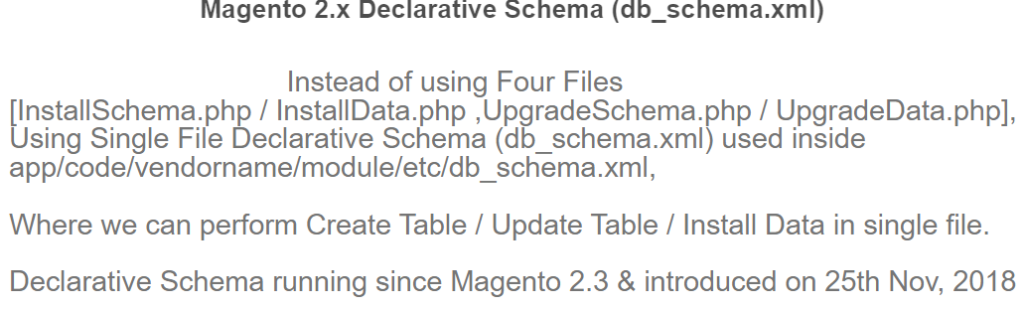
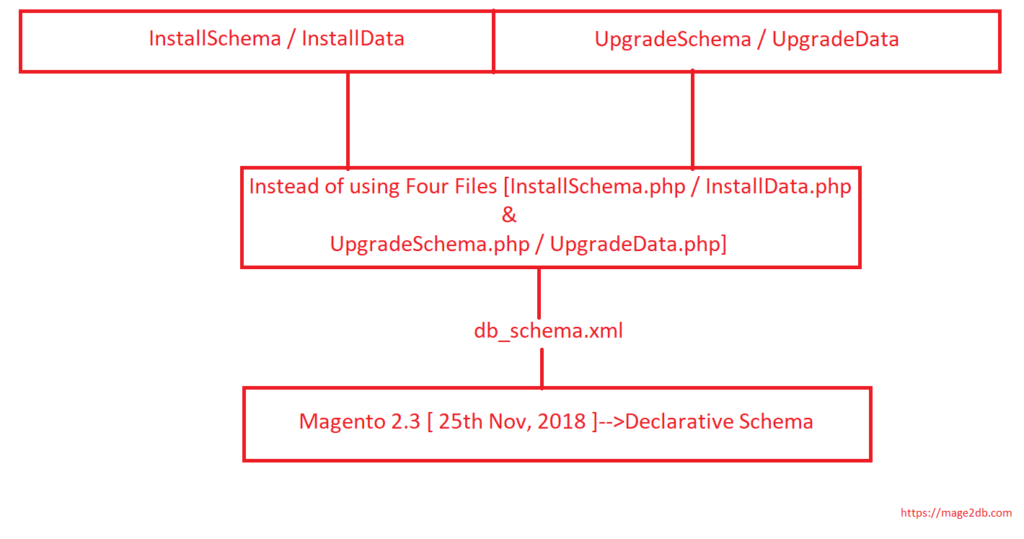
Before Release Magento 2.3 we are using in custom module development, Tables created by InstallSchema & upgraded by UpgradeSchema, similarly InstallData to install data in tables & UpgradeData to upgrade data in tables, this process was time-consuming
Once Release Magento 2.3 [ 25th Nov, 2018 ], introduced new concept of Database Creation is declarative schema
Replacement of [ InstallSchema / InstallData ,UpgradeSchema / UpgradeData] is declarative schema
“Instead of using Four Files [InstallSchema.php / InstallData.php ,UpgradeSchema.php / UpgradeData.php], Using Single File (db_schema.xml) used inside app/code/vendorname/module/etc/db_schema.xml”
There are following below steps need to follow to add Customer Groups drop down in Magento 2 Custom module Admin Entry Form & Grid Listing by using UI Component.
Here we are considering you have already created custom module by using UI Component.
Finally Customers drop down has been added in Magento 2 Admin Grid Entry Form as well as It’s corressponding value displaying in Magento 2 Admin Grid Listing by using UI Component.
CyberSource is a payment gateway. It is used by online payment and fraud management services for medium and large-sized merchants
Cybersource is an E-commerce credit card payment system management company. Customers process online payments, streamline online fraud management, and simplify payment security, It is introduced in Ecommerce market on December, 2016