
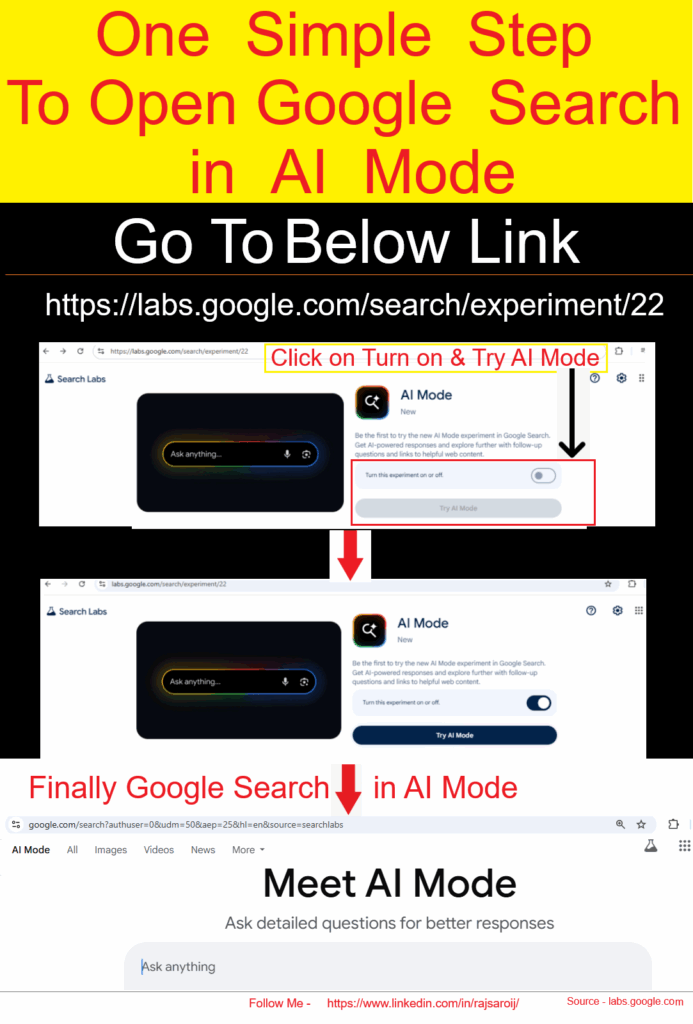
The following steps to open Google Search in AI Mode
Step [1] – Go to labs.google.com
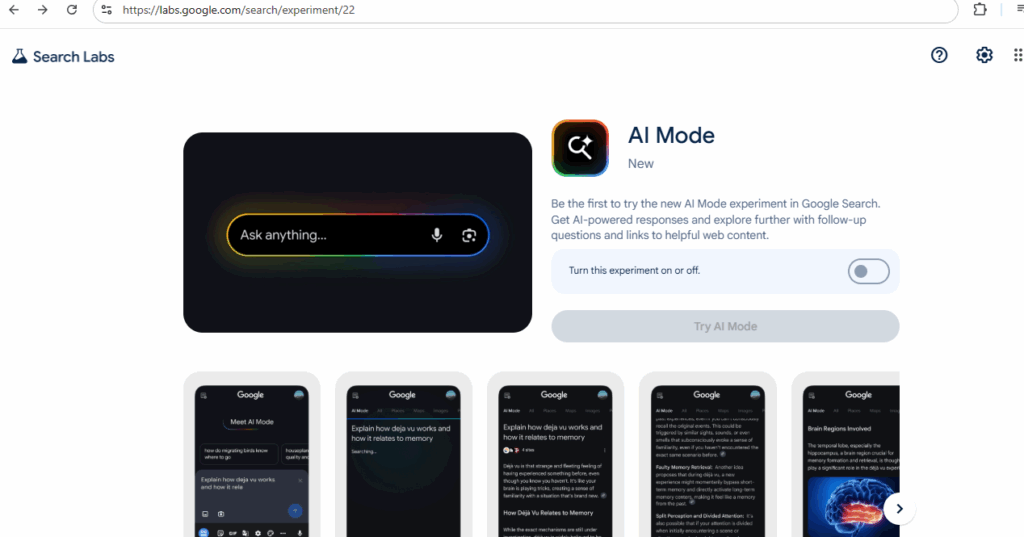
Step [2] – Look for “AI Mode” and switch it ON
Go To https://labs.google.com/search/experiment/22
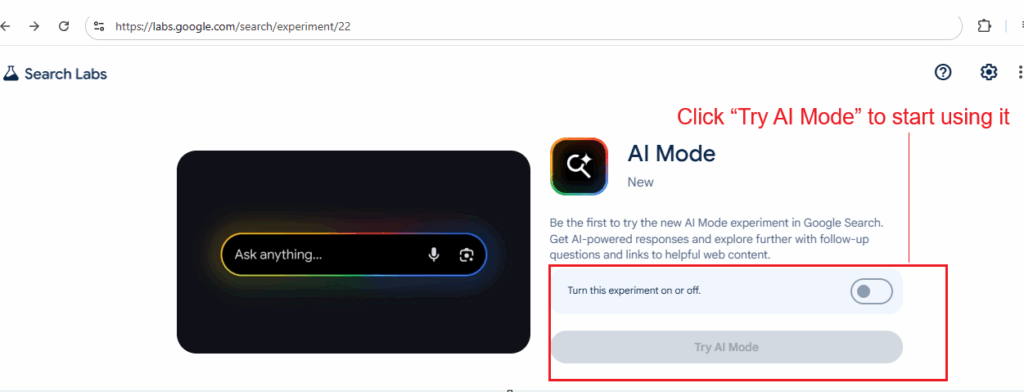
Step [3] – Click “Try AI Mode” to start using it
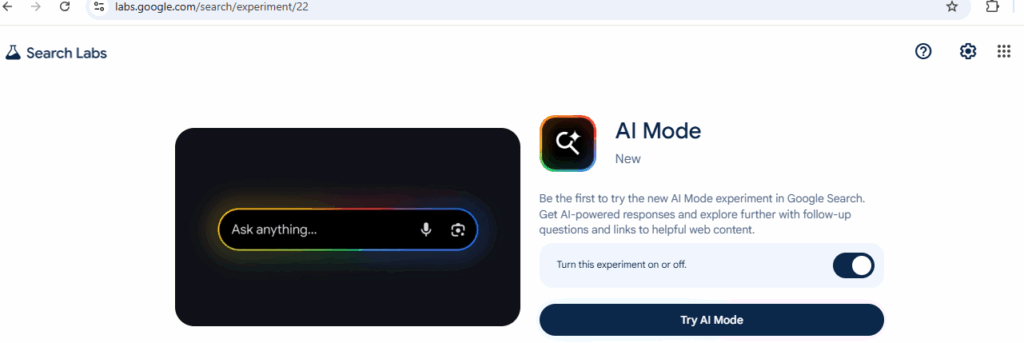
Once Done –
Step [4] – Or just search something on Google and tap the AI Mode tab at the top
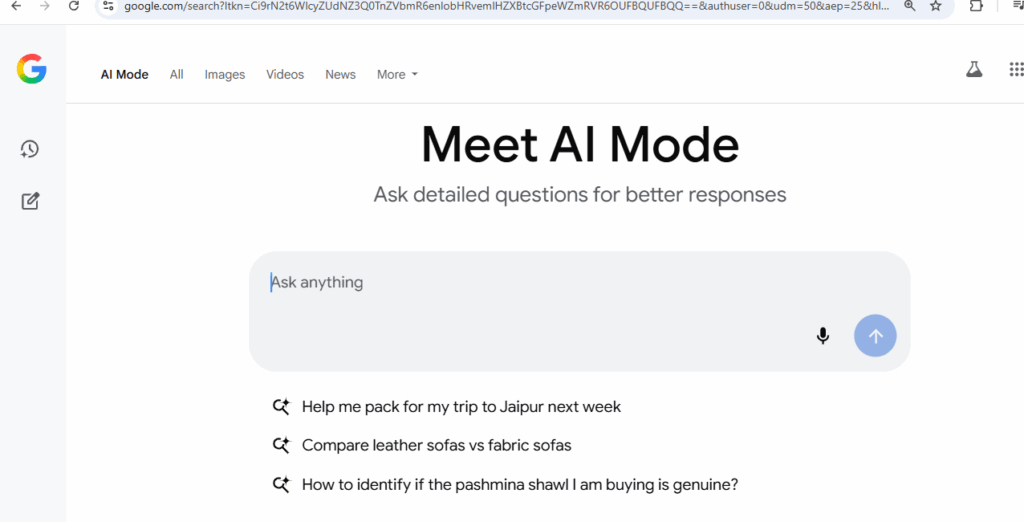
Google’s AI Mode makes searching easier, smarter, and faster — whether you’re planning meals, learning something new, or exploring hobbies. It’s now available to all users in India who use English on their device.
Step [5] – Ask Using Voice or Photos
You don’t always have to type. Just:
Upload a photo for visual searches (like spices, clothes, books, etc.)
Tap the microphone to ask your question
Step [6] – How Does Google AI Mode Work?
Google uses a “query fan-out technique” — this means the AI breaks your big question into smaller ones, searches them all together, and gives you one useful, combined answer. It also uses tools like:
- Knowledge Graph (for facts)
- Shopping search (for product suggestions)
- Lens support (for image-based questions)
So if you take a photo of a spice and ask,
“What is this spice and how can I use it in cooking?”
— it will give you a detailed response.