[6]- Turns off validation on the Price field as expected when the Dynamic price setting is enabled during bundle product creation
[7]- Page Builder replaces the TinyMCE editor in the following Admin areas:
CMS Page
CMS Block
Category Description
Product Description
Whatever content created by TinyMCE has been migrated into Page Builder as HTML
[8]- The bin/magento setup:db:status command now returns a message indicating that everything is up-to-date after a successful upgrade
[9]- No longer throws an exception when you run bin/magento setup:upgrade to upgrade from a Magento Open Source deployment with Redis to Adobe Commerce
[10]- Once Product added it to an order, removes a product from a wish list.
[11]- Customer now able to add related products to their shopping cart from a wish list. Previously, only added the configurable product, not the configurable product and its related products when a shopper clicked the Select all link of the Related Products section
[12]- Videos are now available in the product gallery.
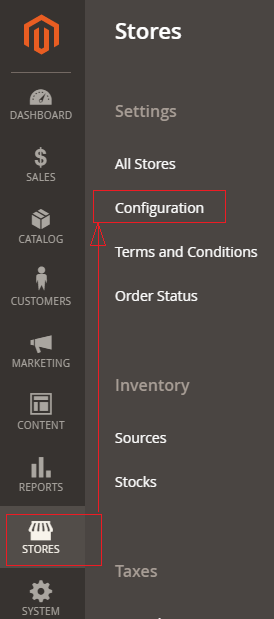
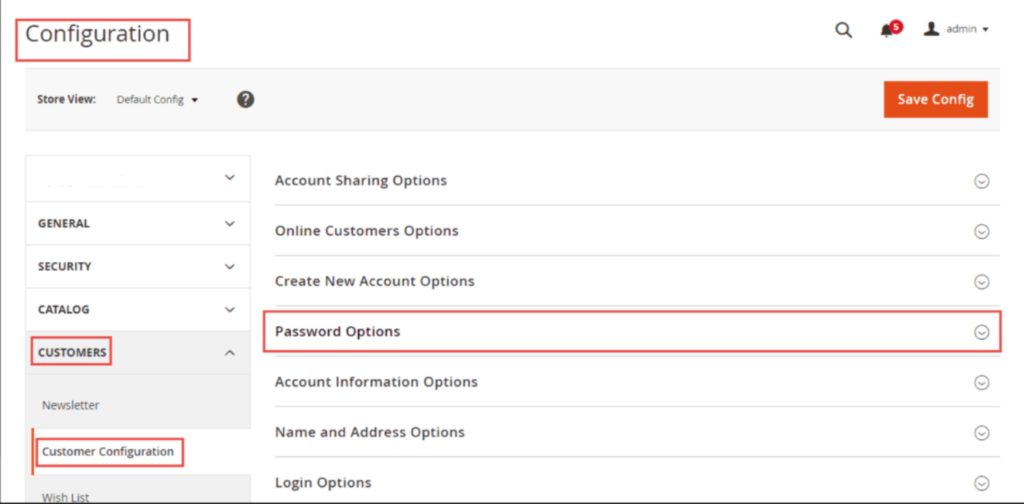
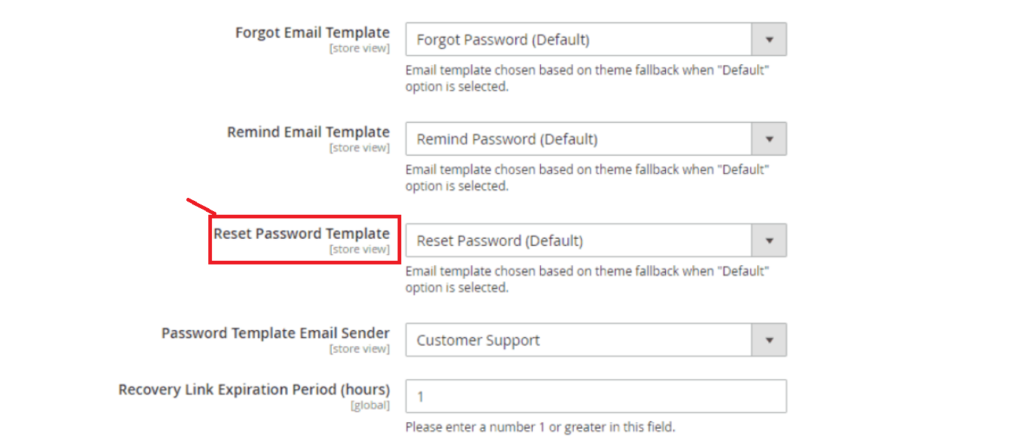
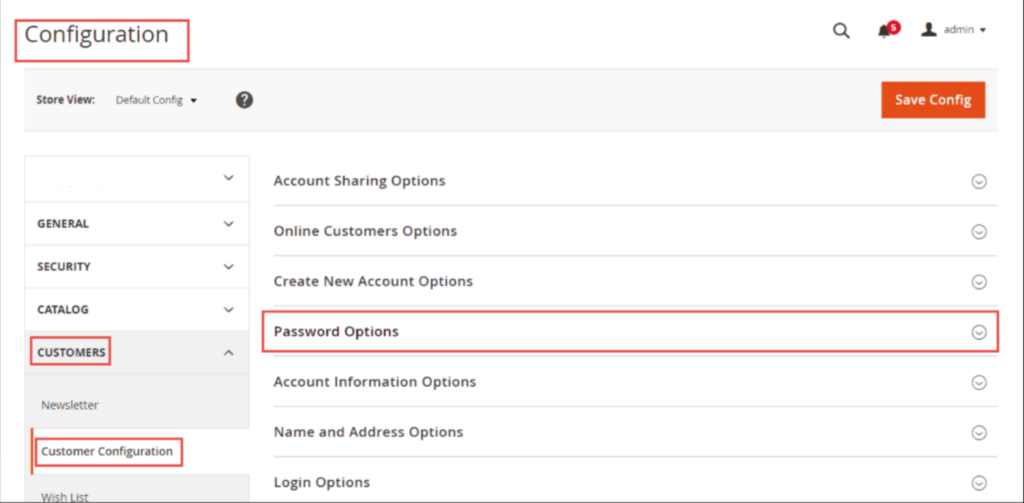
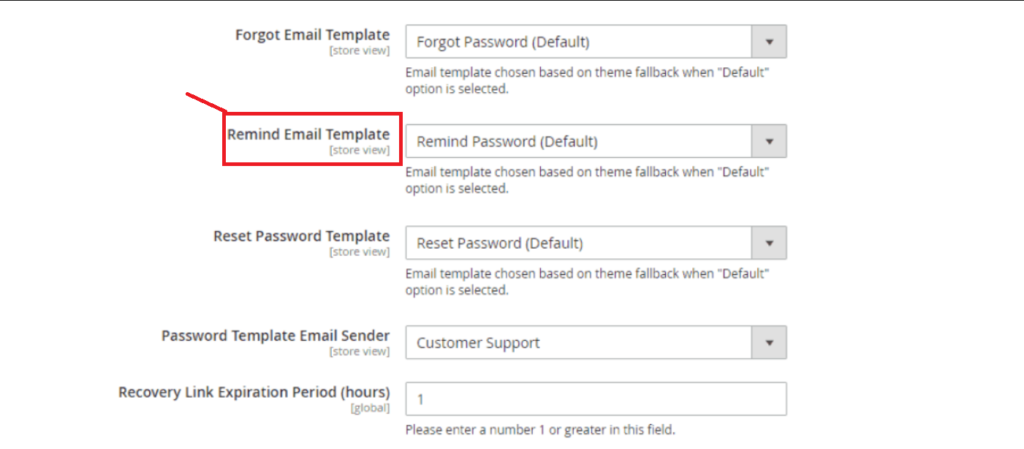
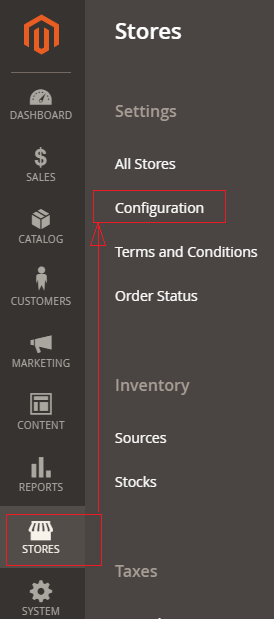
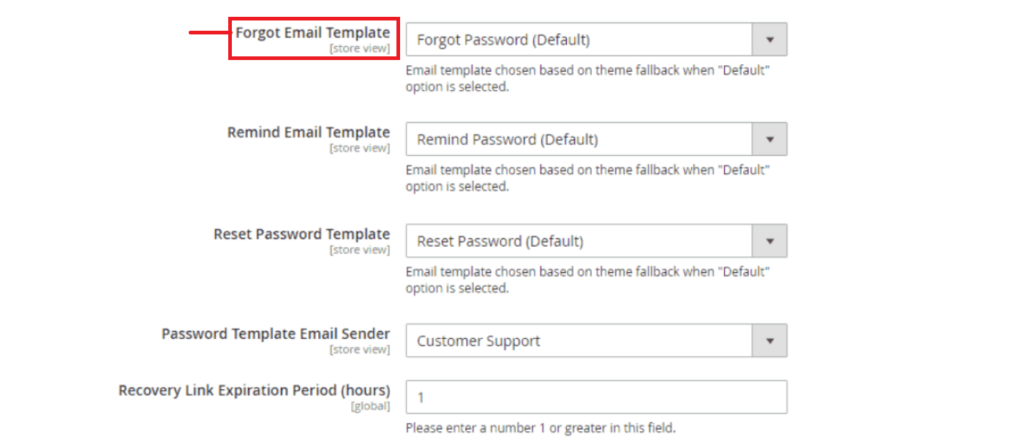
[13]- It uses the correct email template when sending email to new users, Previously, It uses the default template even when a custom template was selected.
[14]- ACL user role (Admin System > Permissions > User Roles) with the entire Catalog tree selected excluding Edit Product Design ( Catalog > Inventory > Products > Edit Product Design).
[15]- GraphQL is applicable for shared routes as route query and RoutableInterface support routing requests on product, category, and CMS pages. The urlResolver query has been deprecated, and its functionality has been superseded by the route query.
[16]- New composer plugin has been introduced that performs integrity checks during installation to reduce the vulnerability known as dependency confusion.
[17]- Provides Live Search, provides an enhanced search experience by using Artificial Intelligence and Machine Learning concept
[18]- Now Page builder is now available with the Magento 2.4.3 Community Edition [Open Source]
[19]- It fixes over 370 new fixes to core code and 33 security fixes and platform security improvements, protects against remote code execution (RCE) and cross-site scripting (XSS) vulnerabilities.
[20]- Enhancement, the following below functional areas and the quality framework
- Customer Account
- Catalog
- CMS
- OMS
- Import/Export
- Promotions and Targeting
- Cart and Checkout
- B2B
- Staging and Preview